Choose individual sizes
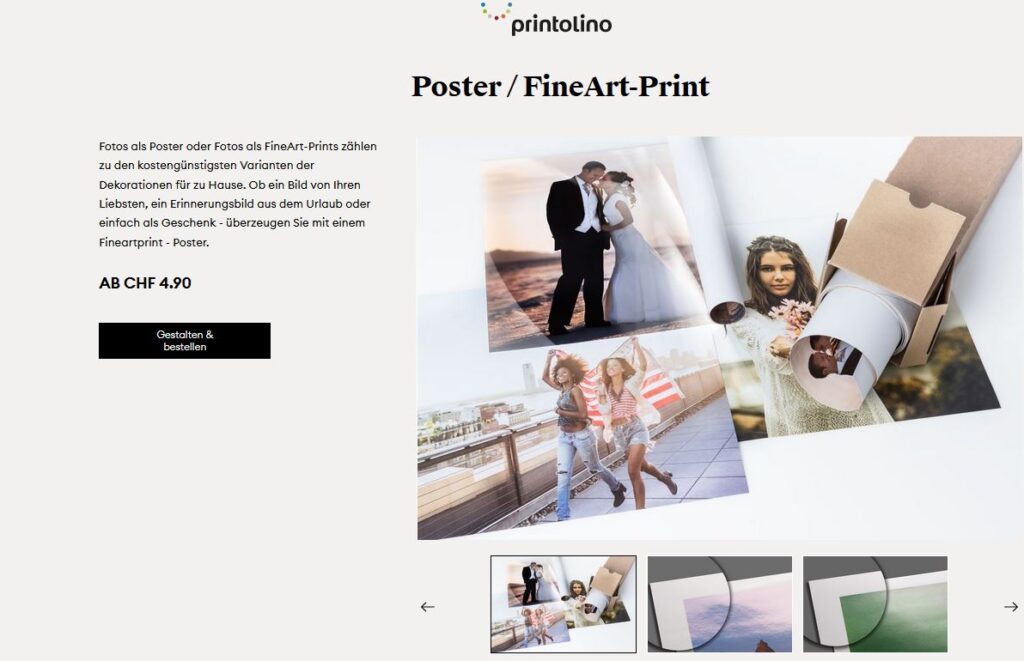
Select the desired product and click the black "Design & order" button
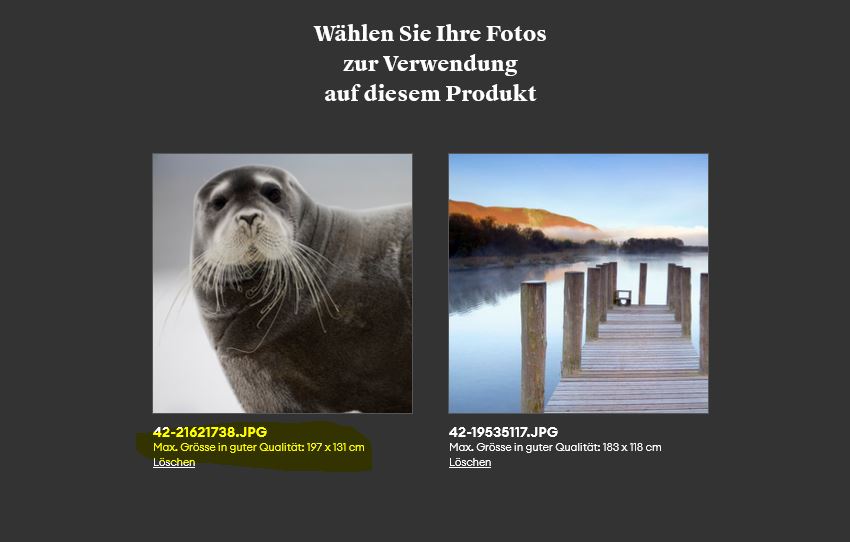
Select the photo you want to print from your folder.
The maximum size is displayed in good quality.
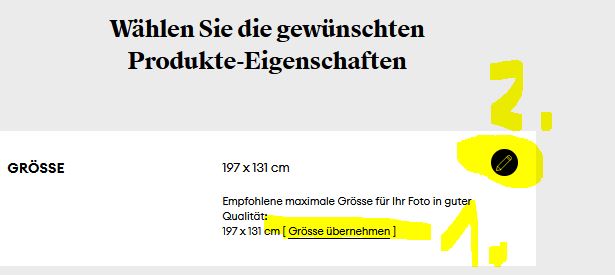
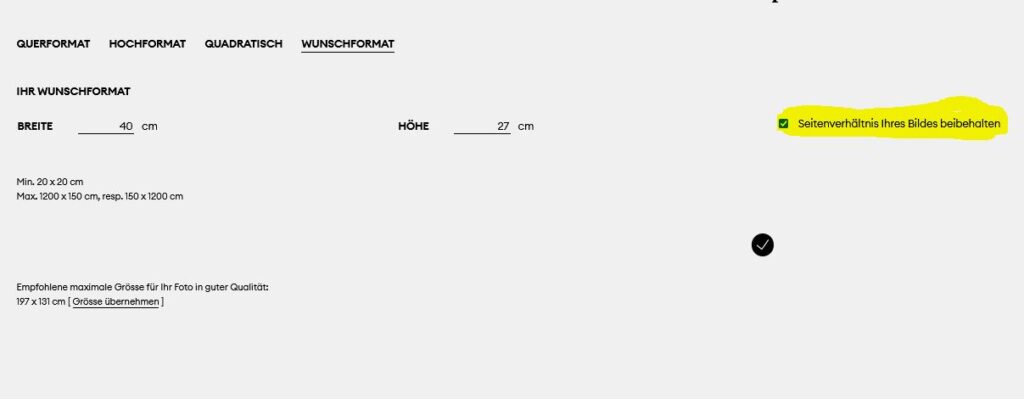
Now it is important that you first click on "Apply size" so that the correct aspect ratio is retained.
You can then click on the black circle at the top right to select your desired format.
You can now select a size under "Desired format". To ensure that the aspect ratio of your image is retained and no image section is removed, the blue tick next to "Retain aspect ratio of your image" must be activated.
After you have also selected the desired material, you will now see this view. The entire image should appear without any parts being cut off.
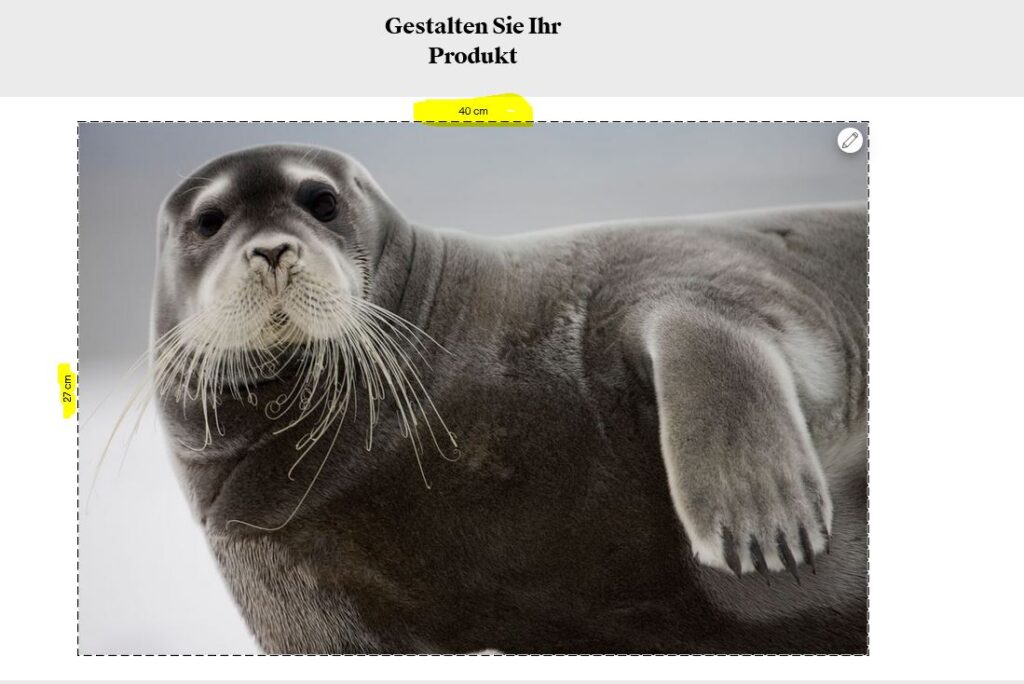
And already done! We look forward to receiving your order.