Create a sample collage

How can I create a sample collage?
In this quick guide, we'll show you step by step how to upload your photos and position them appropriately to create your own collage on your favourite paper.
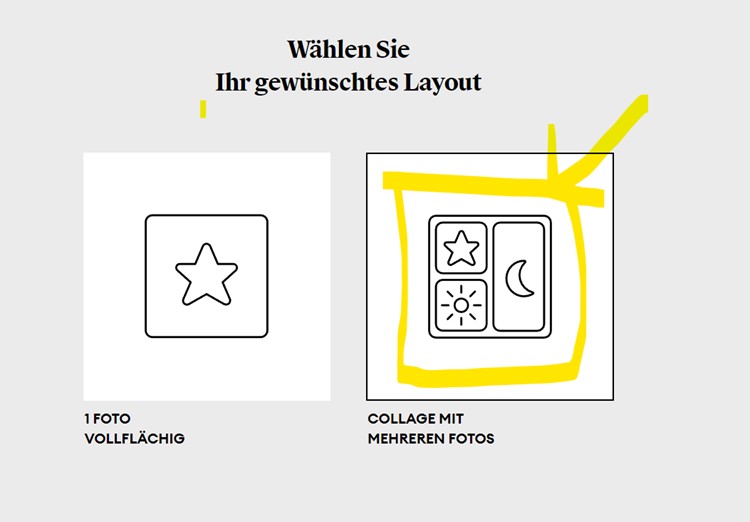
1. select collage Decide in favour of the "Collage with multiple photos" layout on the start page.
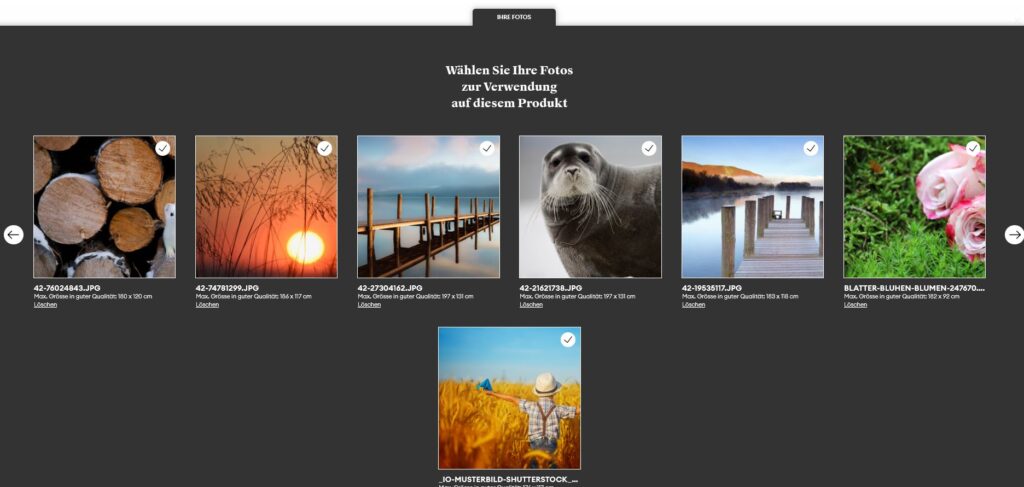
2. upload and select photos
Upload your desired motifs and mark the images you want to use for the collage.
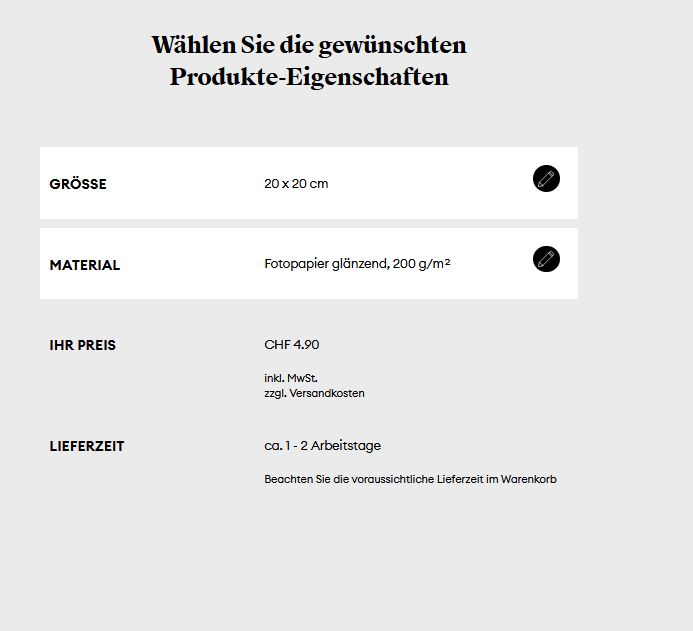
3. select paper in the desired format
Select the desired format from the menu and your desired material, such as glossy photo paper.
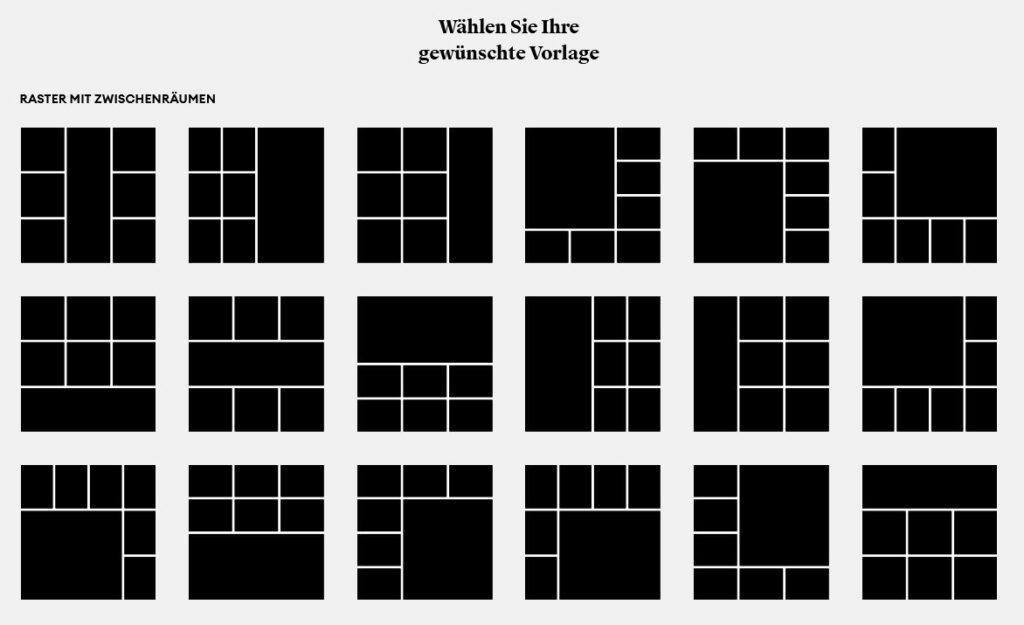
4. select arrangement proposal
Choose a suitable grid for your pictures. A maximum of 9 images per sheet is possible.
5. check preview
This is what your finished arrangement will look like in the preview.
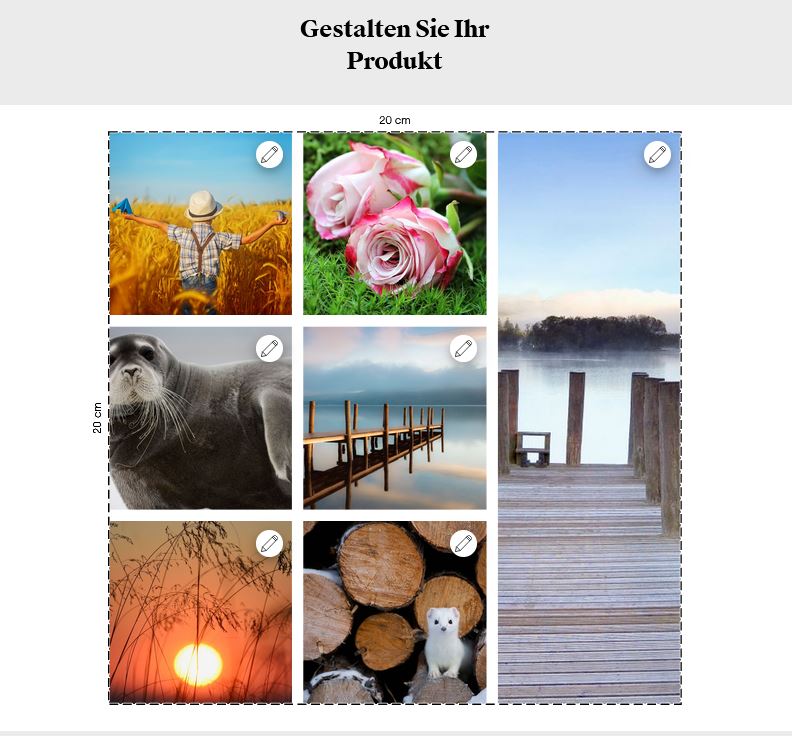
6. repeat for further papers
You can repeat this step as often as you like for all types of paper on which you want to test your collage.